Integrating Secure Display Stations to Eagle Eye Networks Cloud VMS
Introduction
IONODES and Eagle Eye Networks (EEN) have partnered to combine best in class cloud VMS capabilities with high quality local live video. Eagle Eye Networks is the global leader in cloud-based VMS systems allowing you to fully manage your IP camera surveillance infrastructure. You can configure, record and view your entire surveillance system directly on the internet. IONODES Secure Display Stations (SDS) are used to deliver high quality, low-latency, live video wherever it is needed.
Setup EEN Integration
Step 1
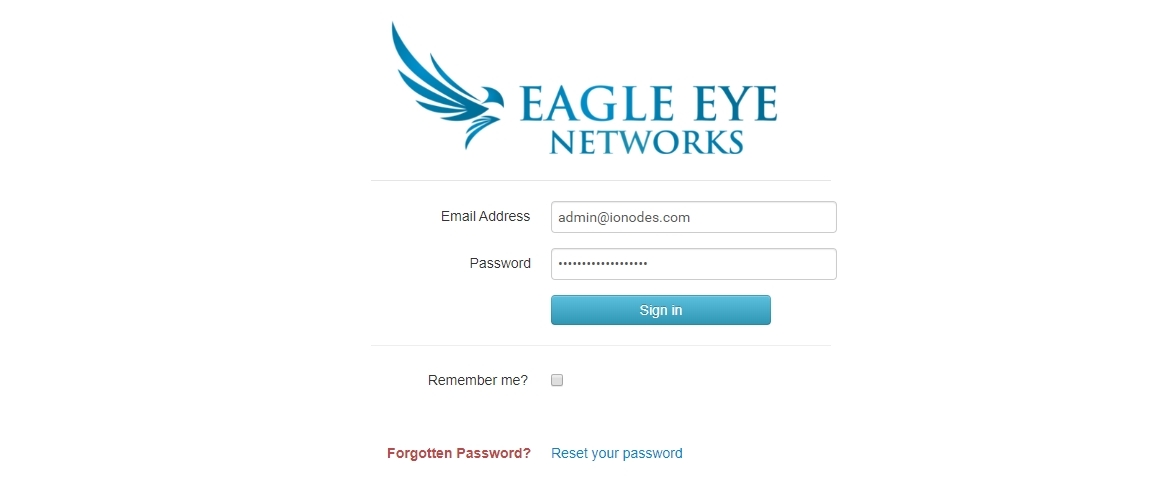
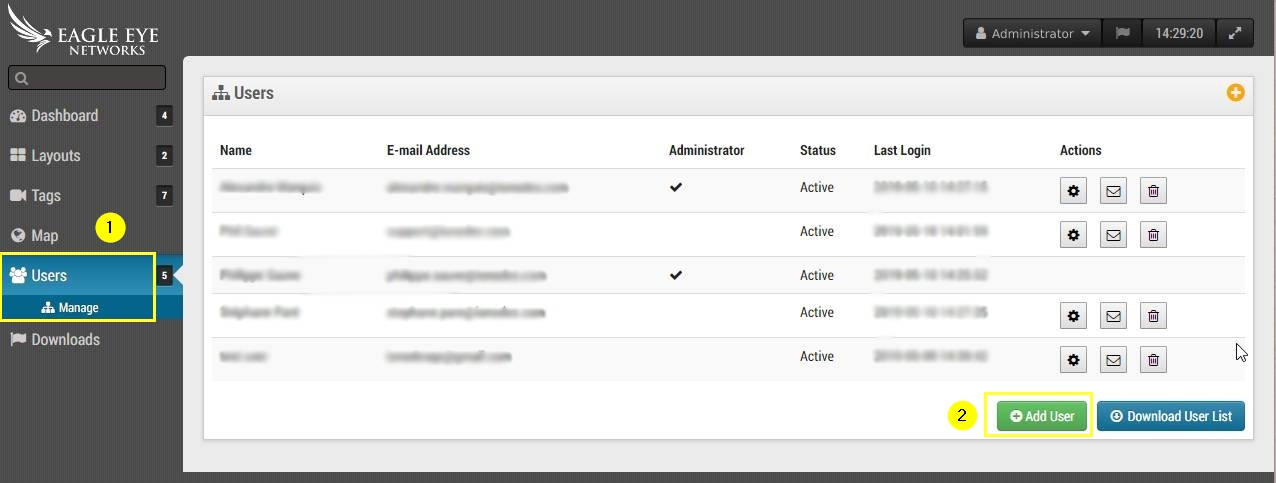
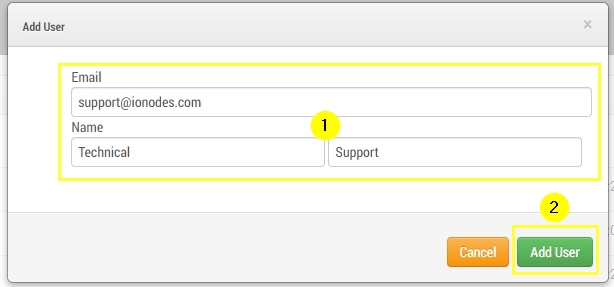
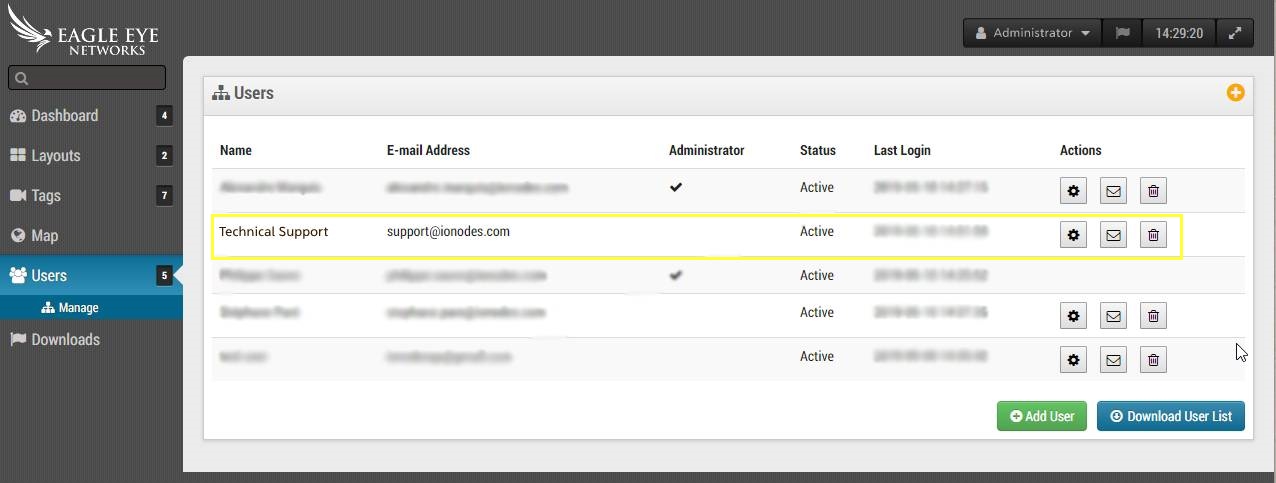
Customer sets up an Eagle Eye Network cloud-based account and creates a user as usual to determine what cameras and corresponding layouts this user should have access to.
Step 2
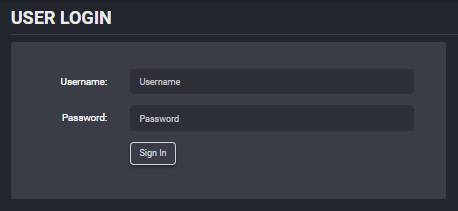
Log into the IONODES SDS.
Step 3
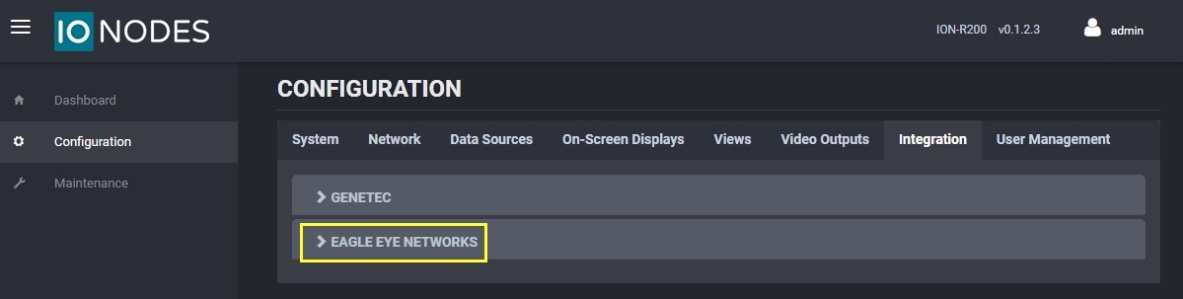
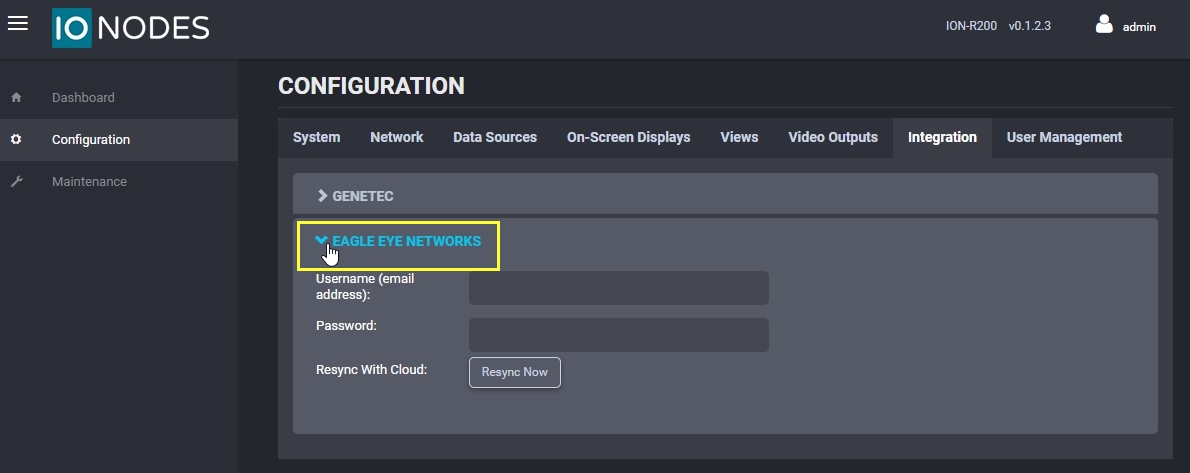
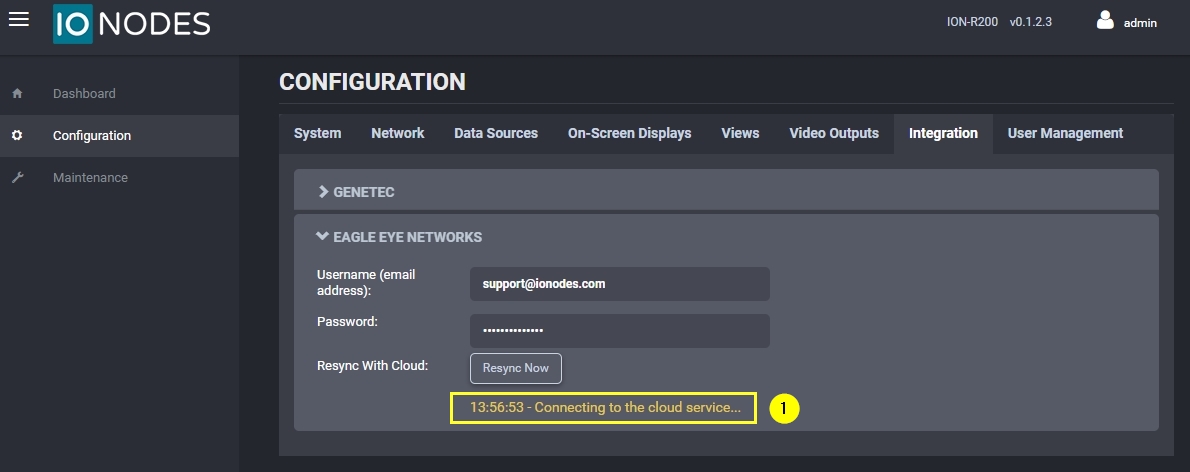
Enable the EEN integration in the Integration tab of the configuration page of the IONODES SDS's web UI.
Step 4
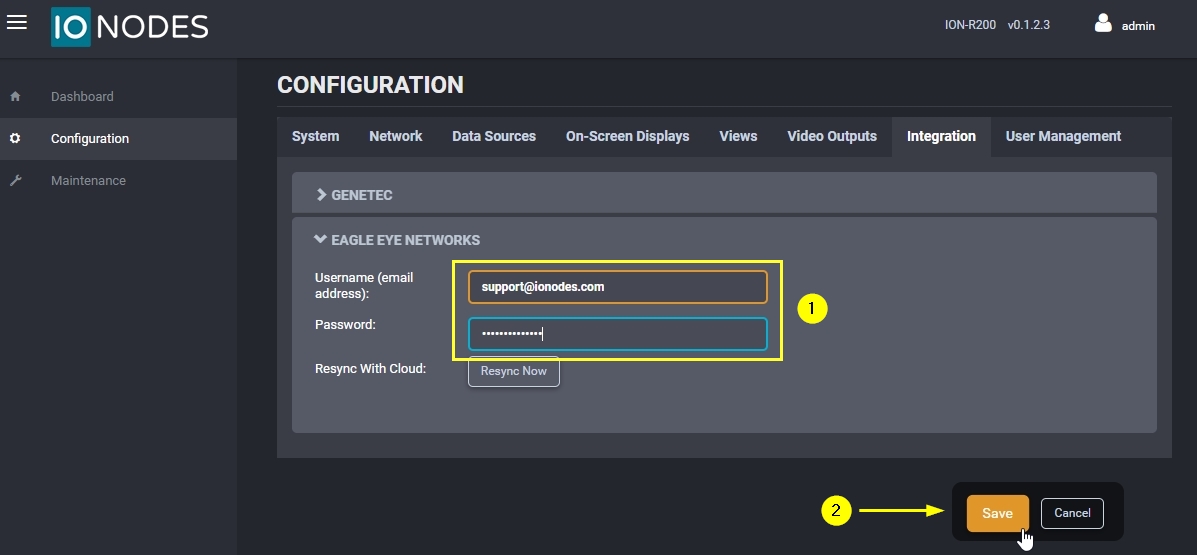
Enter Eagle Eye Networks credentials created in Step 1. IONODES SDS uses those credentials and logs-in to the EEN account.
Step 5
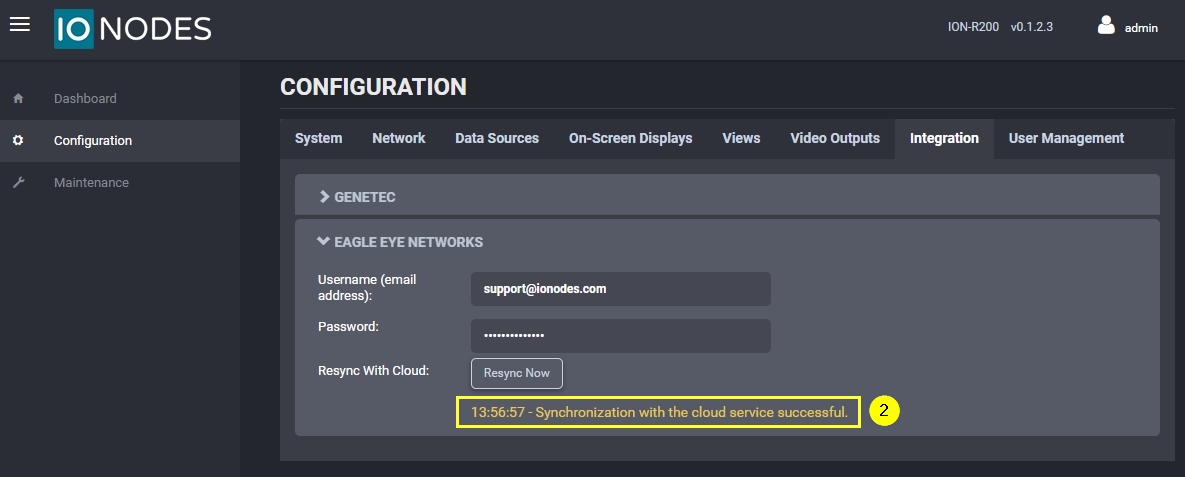
IONODES SDS will then synchronize the information found on the EEN cloud account and automatically configure the data sources and the views locally on the IONODES SDS.
Step 6
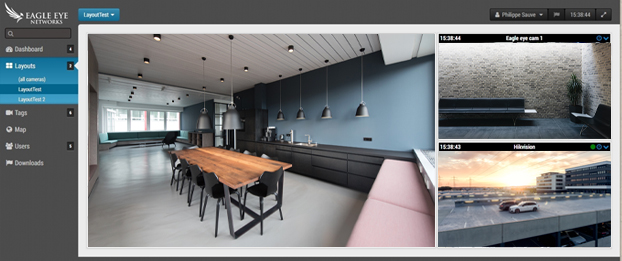
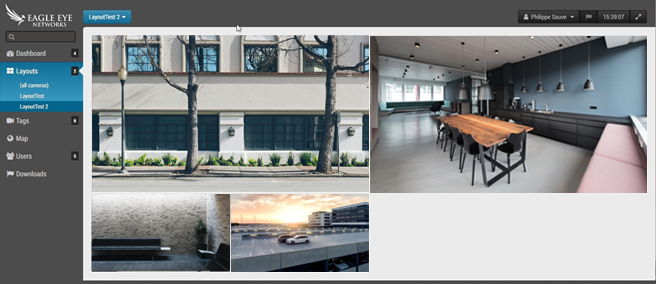
In this example, 2 different layouts have been configured on the Eagle Eye Network's web interface. These 2 layouts have been imported and are thus available on the IONODES SDS web UI in the video outputs tab of the configuration page.
EEN cloud layout 1:
EEN cloud layout 2:
Corresponding IONODES SDS layout 1 imported from EEN cloud:
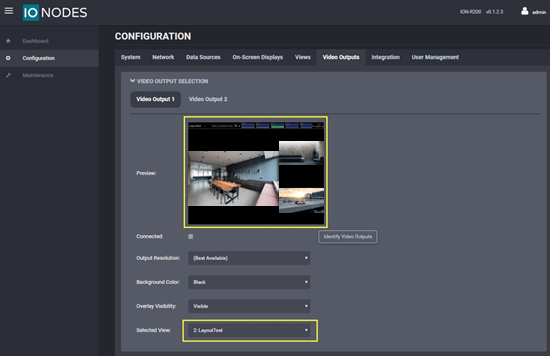
Corresponding IONODES SDS layout 2 imported from EEN cloud:
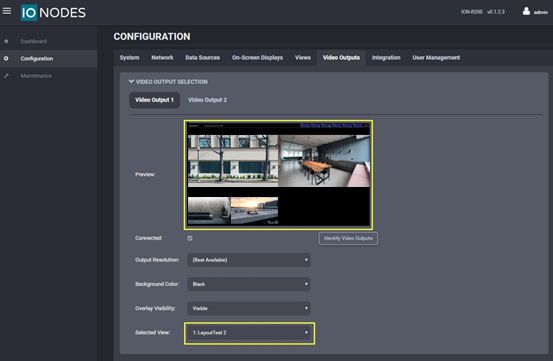
If you have any questions concerning this Eagle Eye Networks / IONODES integration, please contact IONODES at support@ionodes.com.
Recommended Network Environment
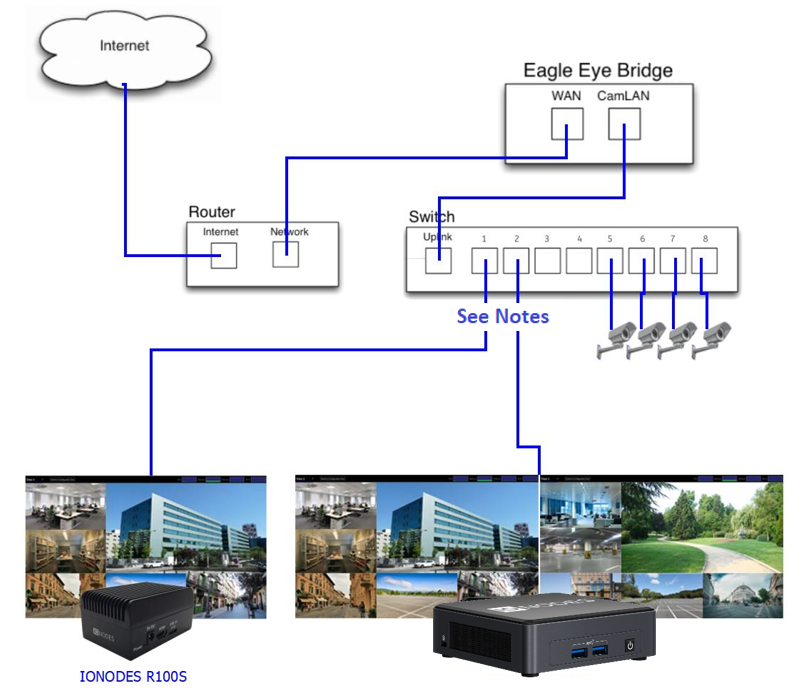
The above graphic represents the typical setup as suggested by IONODES and Eagle Eye Networks.
This setup will also allow the cameras to be fully accessible to the SDS for local latency-free viewing on the chosen monitor or monitors. This integration guide has been completed using the EEN bridge model 304 with FW 1.0.27 and the IONODES SDS with FW were 6.0.1.2.
If your setup requires a different network architecture, please contact us at support@ionodes.com to discuss other alternatives.